> For the complete documentation index, see [llms.txt](https://docs.cleartax.in/product-help-and-support/llms.txt). Markdown versions of documentation pages are available by appending `.md` to page URLs; this page is available as [Markdown](https://docs.cleartax.in/product-help-and-support/for-large-businesses/cleartax-e-invoicing-belgium/purchase-documents.md).
# Purchase documents
### Navigating the Purchase Dashboard
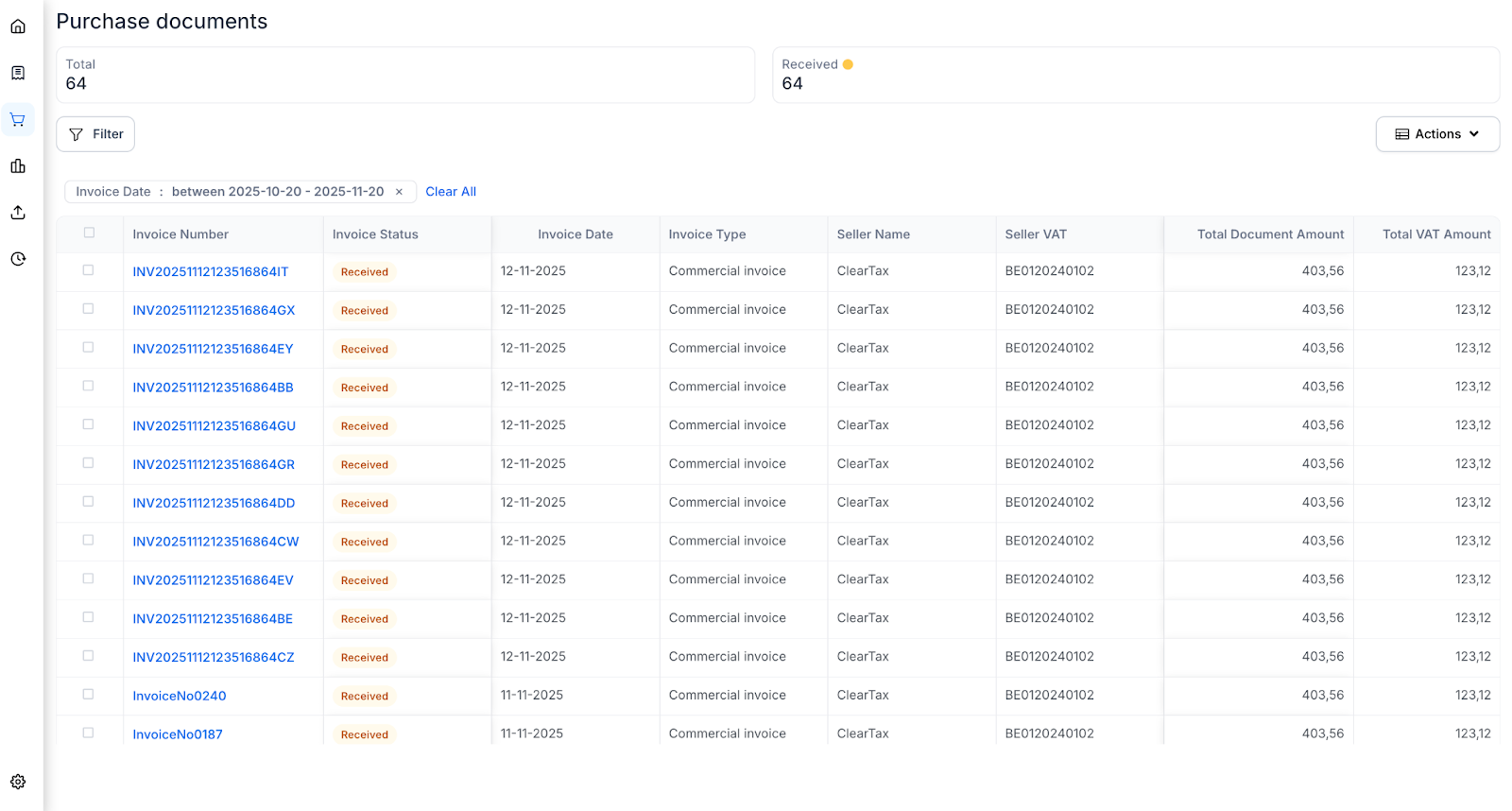
The "Purchase Documents" section is your automated inbox for Peppol.
This feature is a direct benefit of your Peppol registration. When you complete your onboarding and share your Peppol ID with your suppliers, any e-invoice they send to that ID from their Peppol Access Point appears in your Purchase Dashboard.
* Detailed View: Clicking on the invoice number, the details of the invoice are shown.
* Validations: All received invoices are automatically validated against Peppol standards.